
Hello there everyone,
This week we are going to see, how to control your android device by PC with just a chrome extension…
Step 1 : Download the extension in chrome Vysor
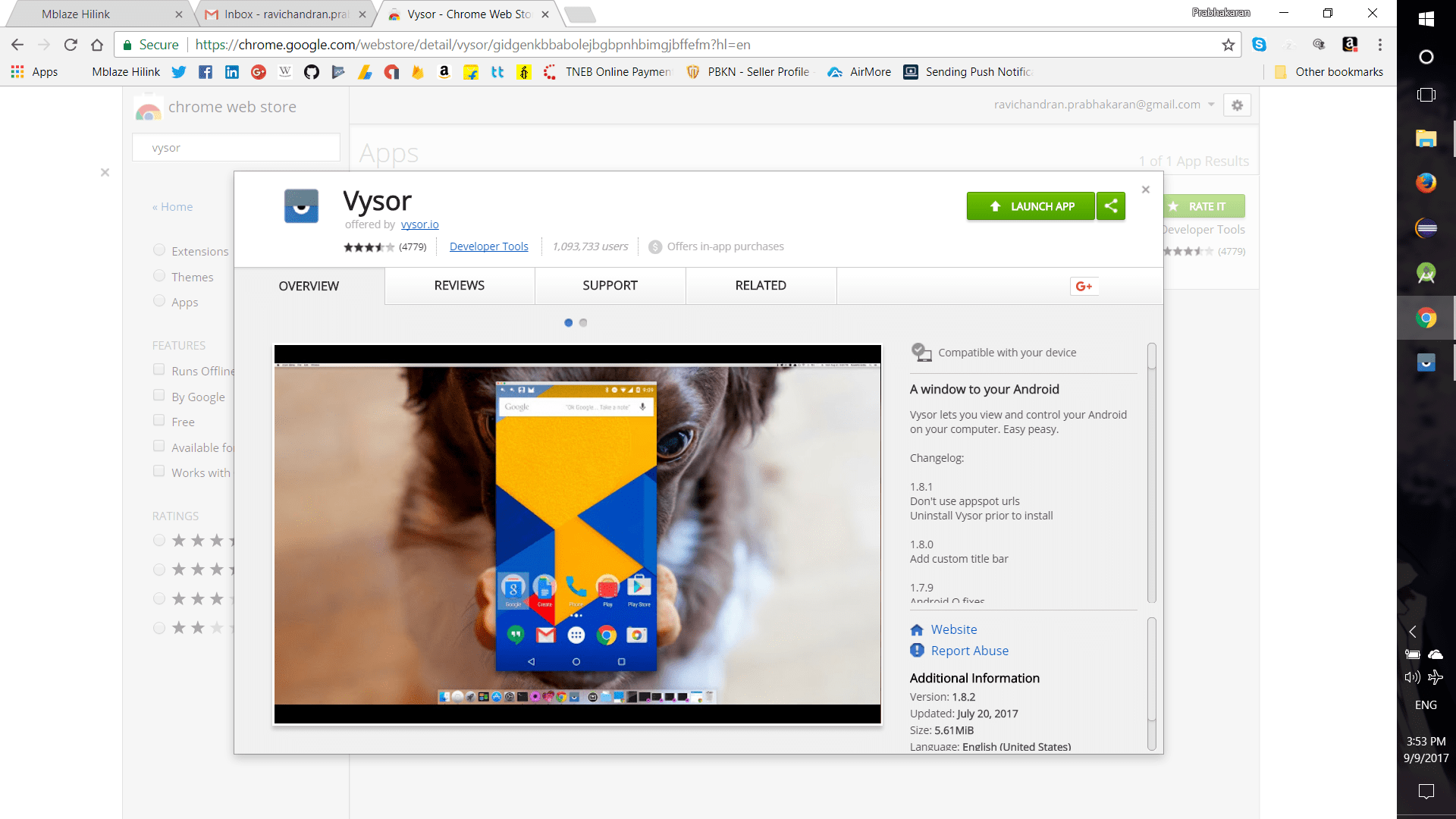
Step 2 : Enable Developer mode and USB debugging in phone as shown ( I’ve already configured my phone, so the screenshots are taken in PC )


Step 3 : Connect your phone via USB cable to the computer, it’ll automatically install Vysor app in your phone
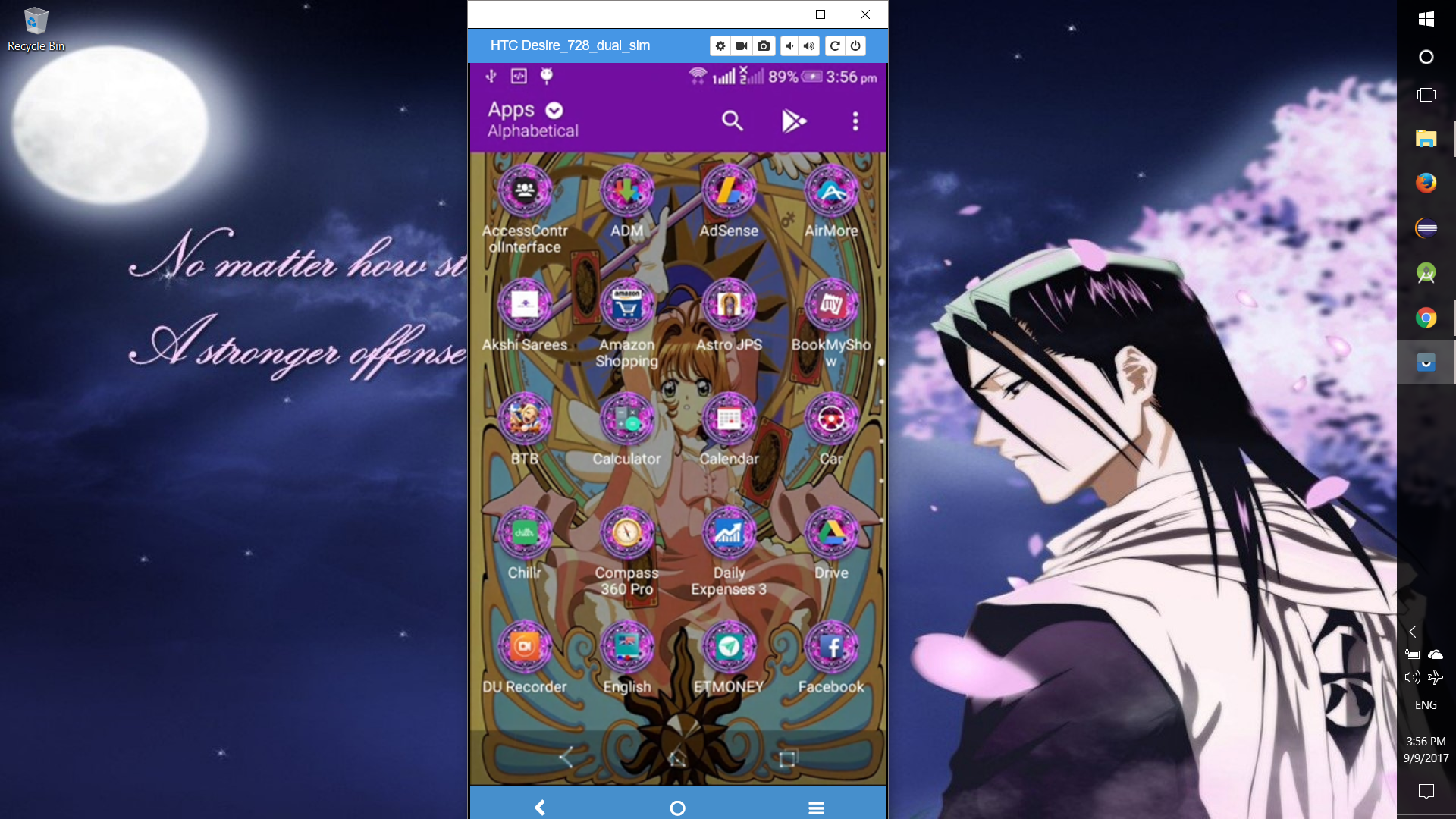
Step 4 : see the MAGIC, you can control everything with mouse & keyboard… You can also adjust your volume and power buttons with this method


NOTE :
Internal Audio of the phone will be available only in phone not in PC


Leave a Reply