
Hi everyone,
This week we are going to see, how to decompile .apk file to it’s source .java files and edit the source code of it !!!
Step 1 : First extract the .apk file from your phone to your PC using AIRMORE as shown below
Step 2 : After downloading the .apk file… go to http://www.javadecompilers.com/apk
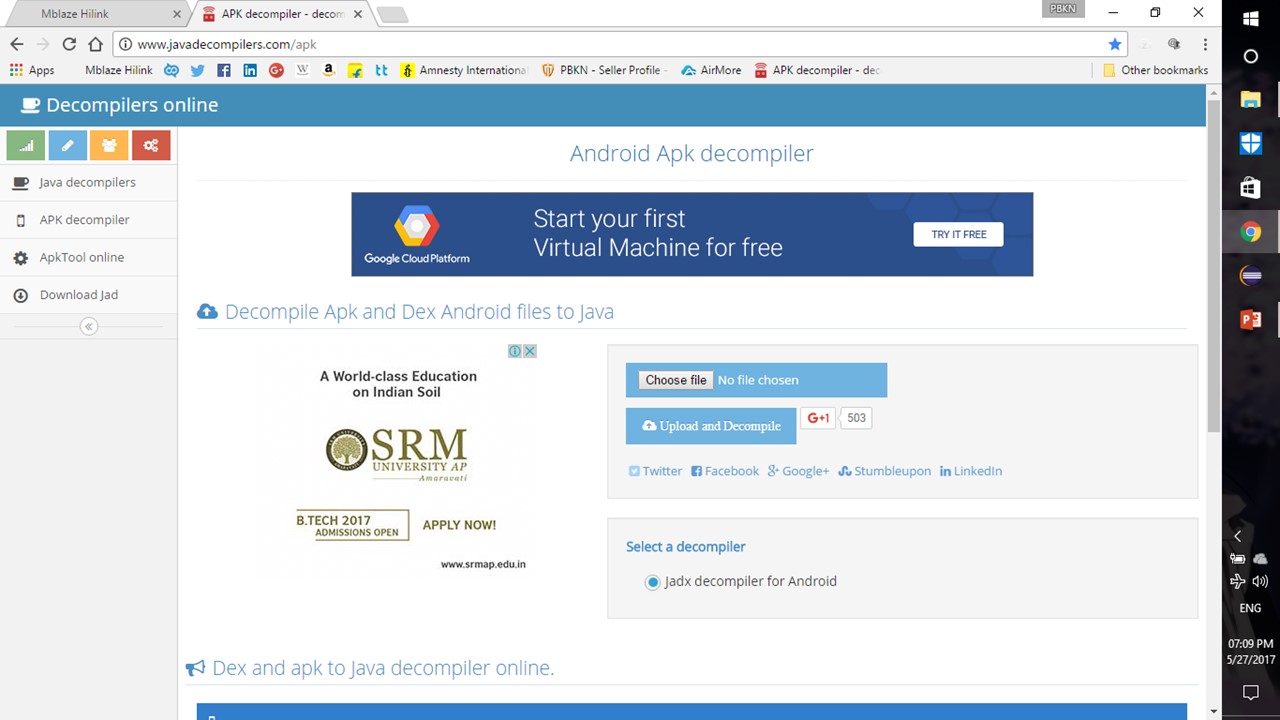
Step 3 : Upload it & wait for a few minutes to get the file decompiled (time varies depending upon the size of apk)
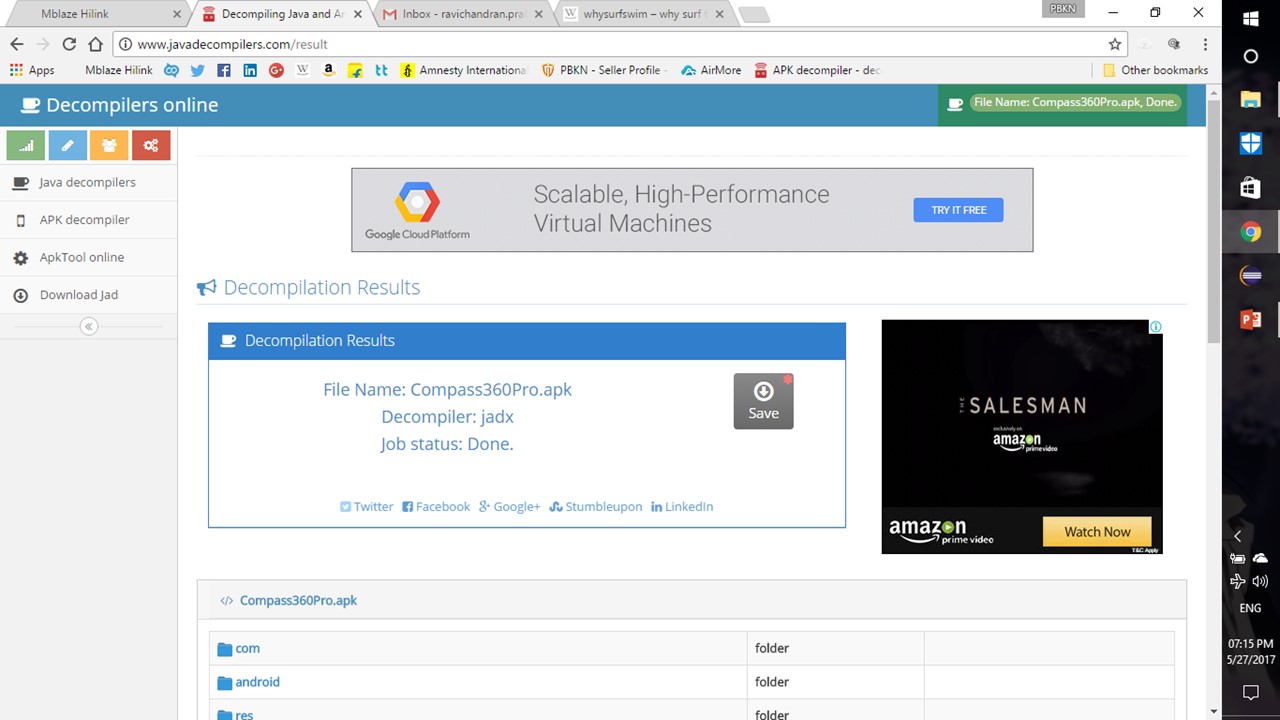
Step 4 : Download the .zip file and extract it
Step 5 : Now navigate to the source folder and edit the .java file… Ta-da !!!
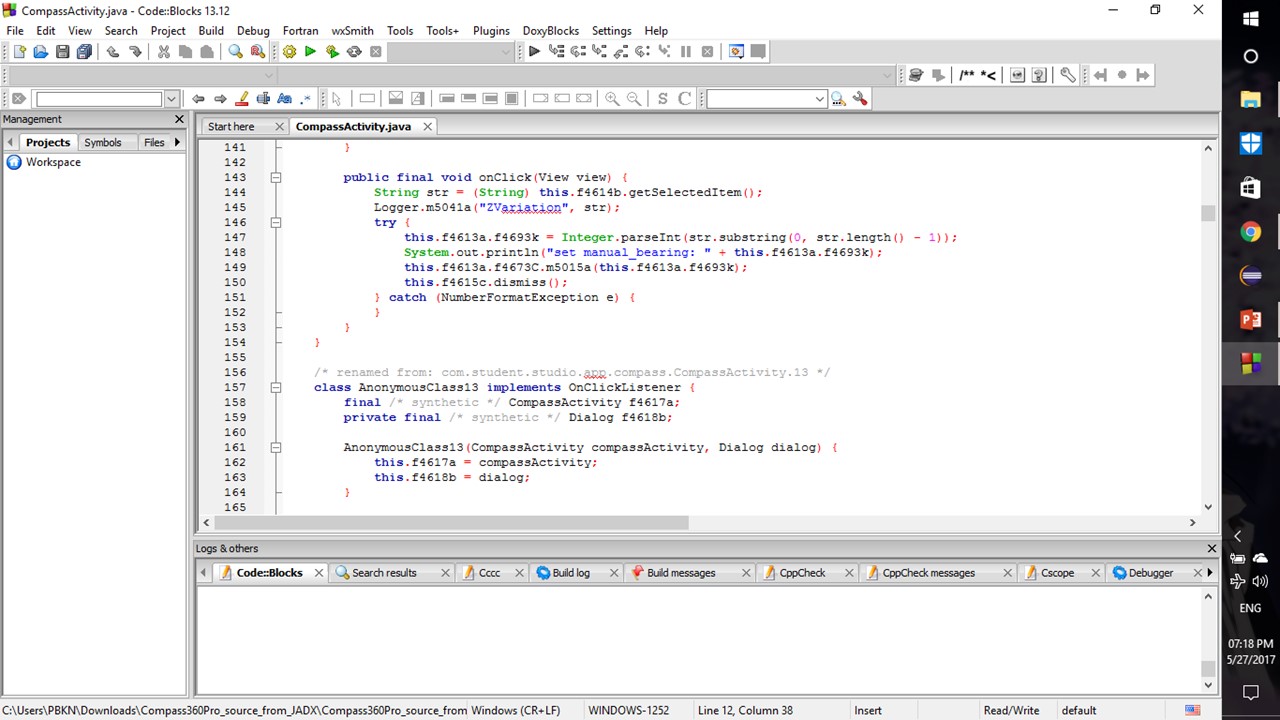
NOTE :
I PERSONALLY USE THIS FOR EDUCATIONAL PURPOSE
AND
TO MESS WITH SOME OF MY APP CREATOR FRIENDS

 Why Surf Swim
Leave a comment