why surf the web ? swim it !!!


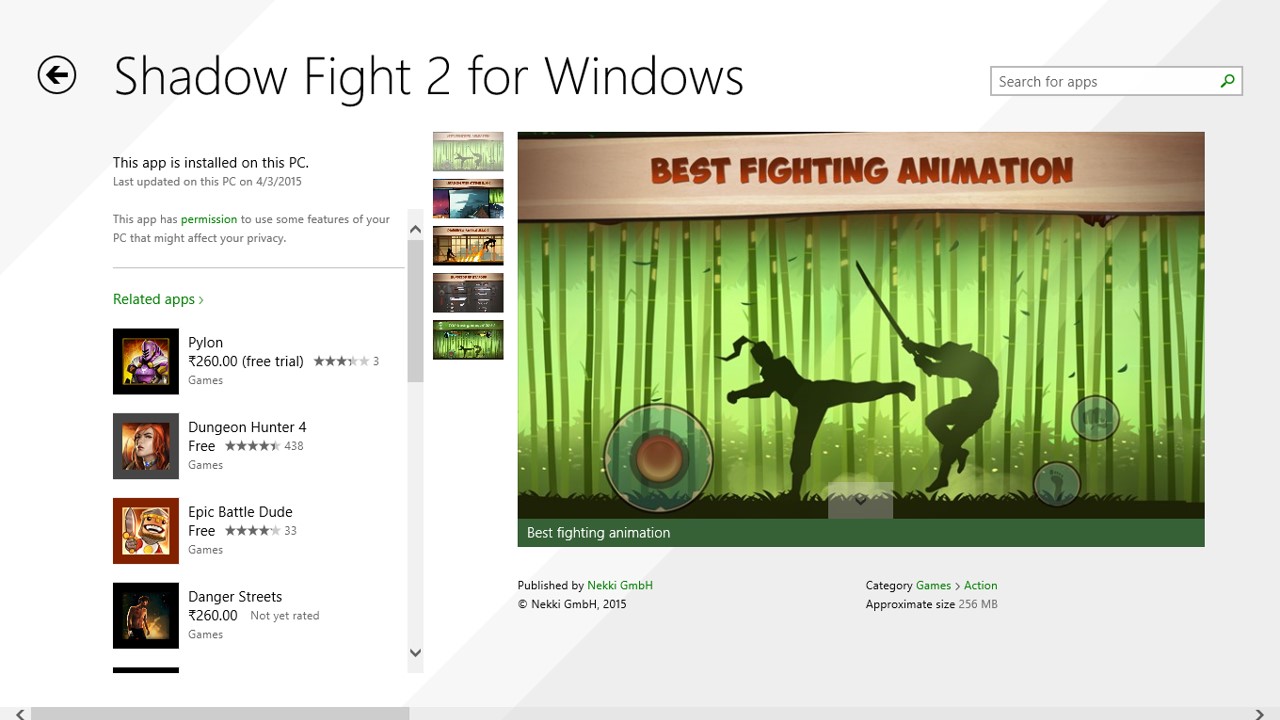
Yes, the most famous fighting game of android is now available on pc

There is no need of EMULATORS like bluestacks,youwave,etc.., all you need is WIN 8.1 OS

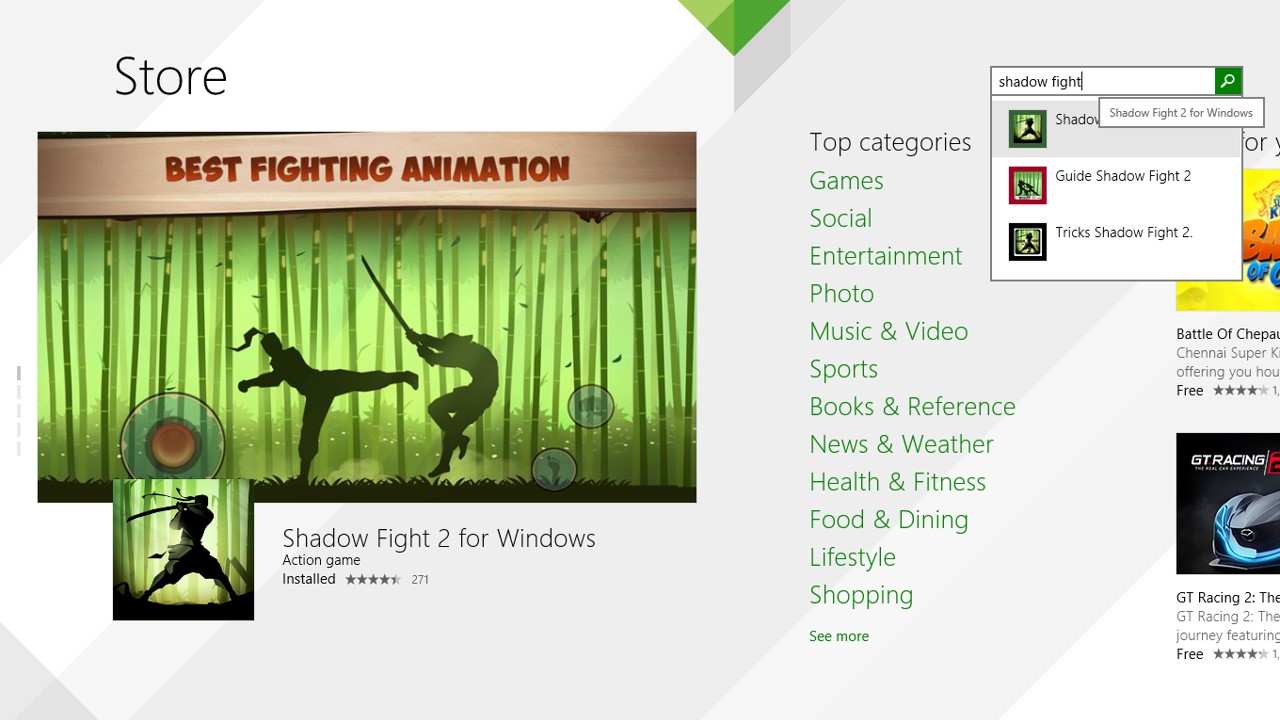
Step 1: Go to WINDOWS STORE in your pc
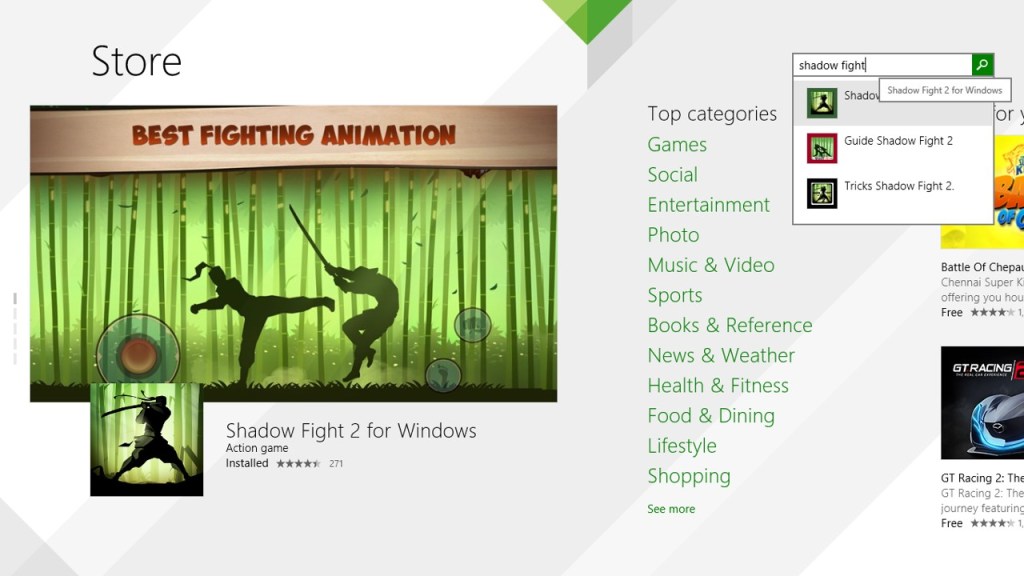
Slide1Step 2: Now download the game (it’s about 250 MB)
Slide2


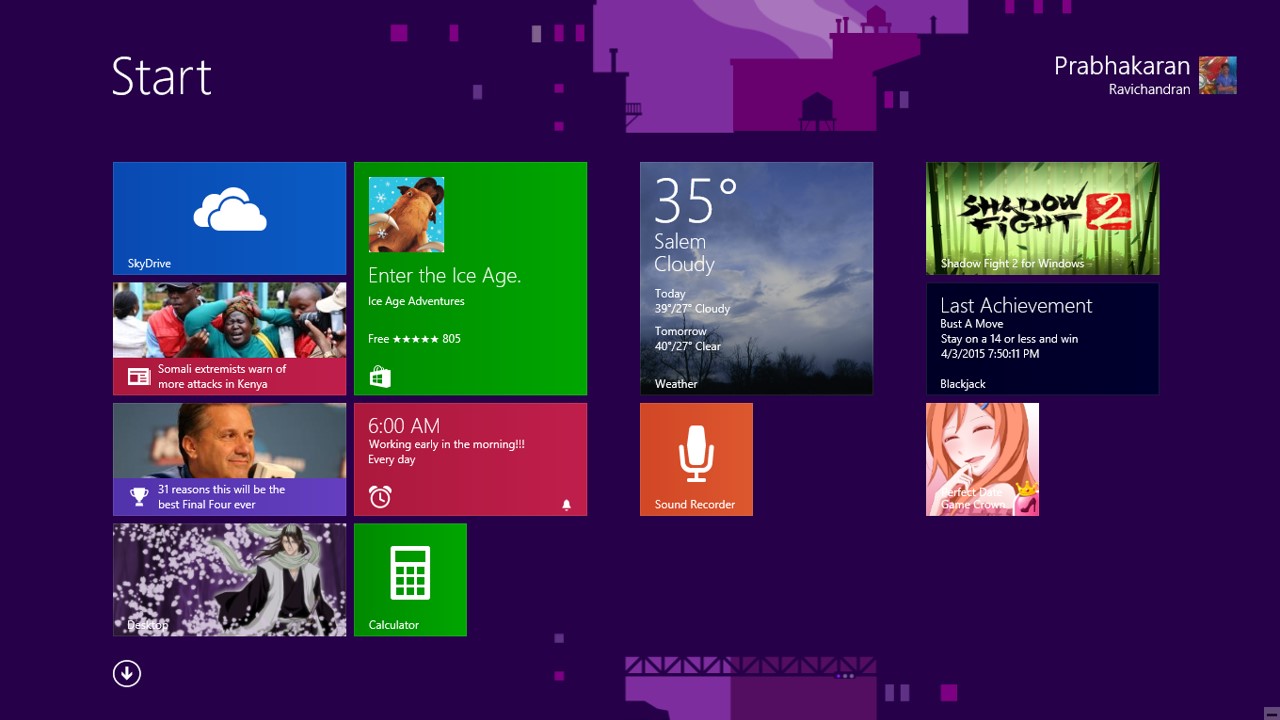
Step 3: After downloading, the game will be installed in your PC automatically
Slide3


Step 4: The game is now optimized for PC and there is no need of EMULATORS
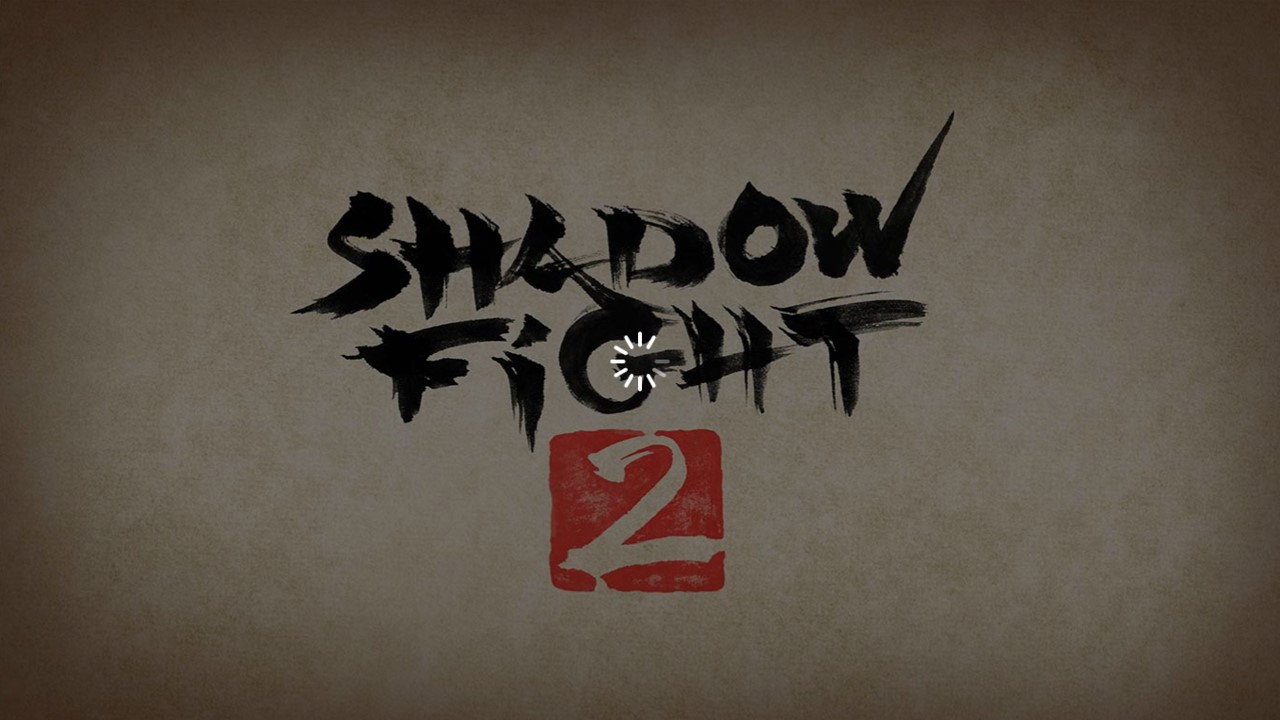
Slide4


Step 5: The controls will be KEYS instead of TOUCH, so enjoy playing it on PC
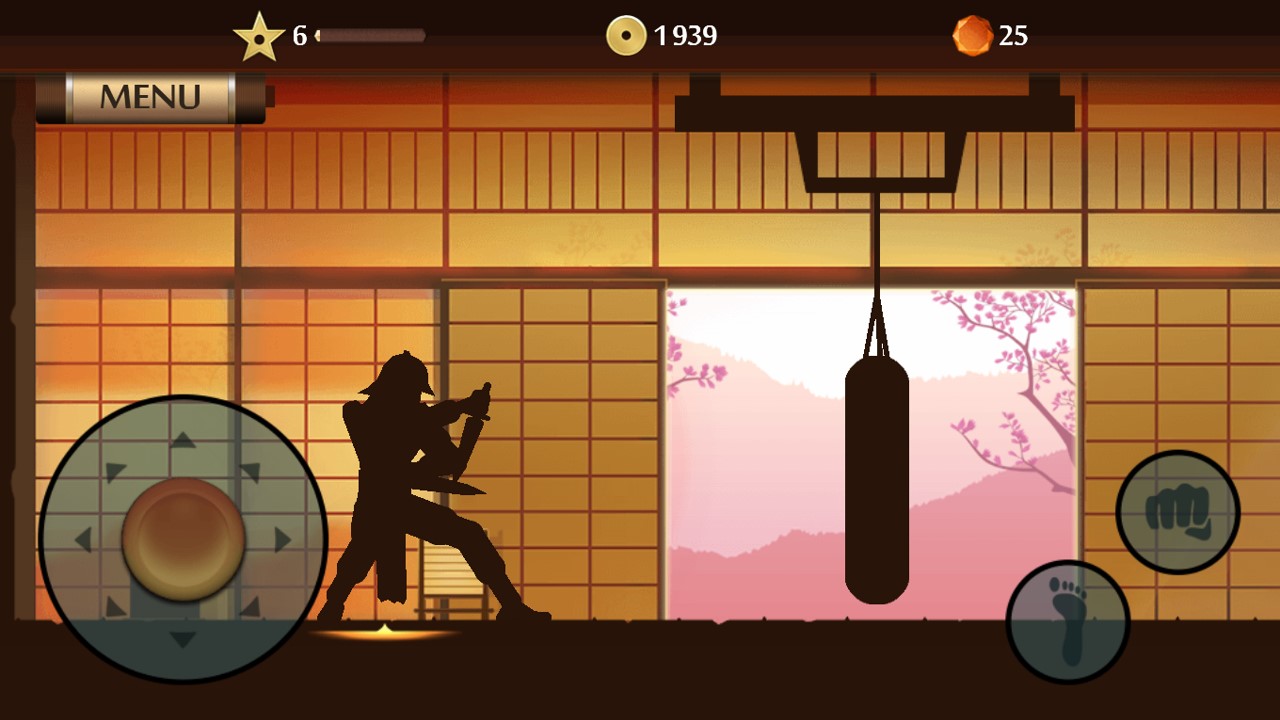
Slide5


NOTE:

IN PC VERSION, THERE IS NO TIME LIMIT TO START THE FIGHT

YOU CAN CONTINUOUSLY FIGHT TILL YOUR LAPTOP CHARGE IS OUT

8 responses

  1. Latha Hari Avatar
    Latha Hari

    the steps are not clear and i don’t think i can play shadow fight 2 in pc by the steps u have told above because i have searched shadow fight 2 in my microsoft store and i couldn’t get any such result similiar to the app so sorry if i a have told anything wrong due to my wrong understanding (if i am wrong pls let me know and tell me the correct step)

    Like

    1. PBKN Avatar

      The game is now removed from microsoft store.

      Like

      1. Premcharan Avatar
        Premcharan

        No, I can download in windows11 beta

        Like

  2. Abdullah zahid Avatar

    Can you post the link of win8.1 here because i want to download shadow fight 2 it ‘s my favourite game.

    Like

  3. BADADA Avatar

    shadow fight 2 for windows r not in my microsoft store

    Like

  4. aryanK. Avatar
    aryanK.

    My laptop is windows 7. could you post the direct download link?

    Like

    1. PBKN Avatar

      Sorry… you can’t play this on Windows 7 without using emulator

      Like

Leave a comment

This site uses Akismet to reduce spam. Learn how your comment data is processed.

Discover more from Why Surf Swim

Subscribe now to keep reading and get access to the full archive.

Continue reading