
Hi there everyone,
Finally the official whatsapp voice calling is available, but with some restrictions…
We’ll see the step-by-step guide (this is not the blah blah steps) , how to use it
Step 1: Download and install the latest version of WHATSAPP from the official website given below
http://www.whatsapp.com/download/
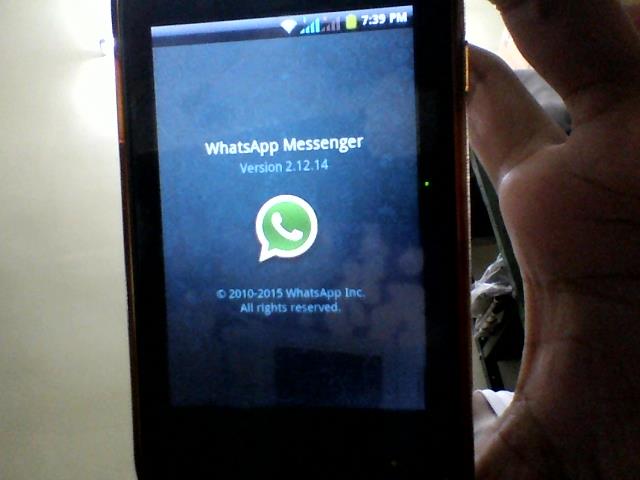
Step 2: To activate this, you have to receive a WHATSAPP voice call from other person who have that feature already ( pls see the end note for more info.)
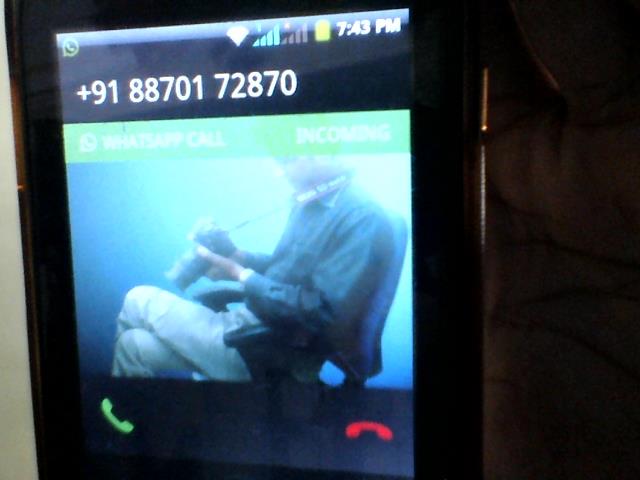
Step 3: After receiving the call, just answer the call for 10 seconds or so
Step 4: After that restart your phone, and open the WHATSAPP you’ll see 3 new tabs CALLS,CHATS,CONTACTS
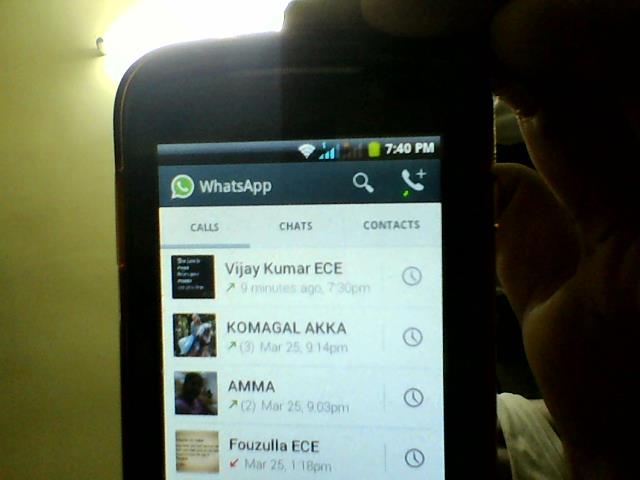
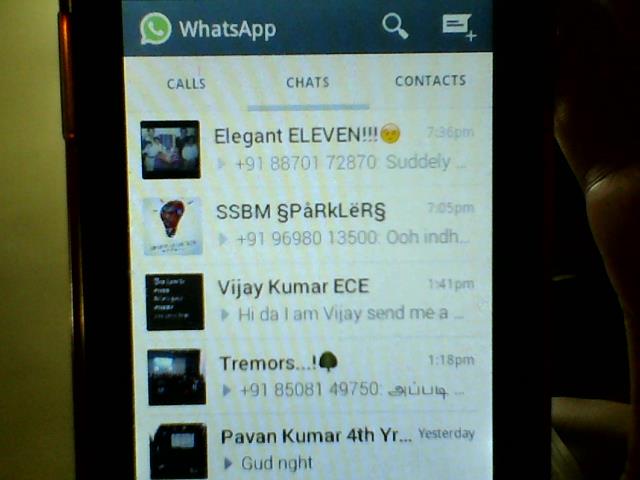
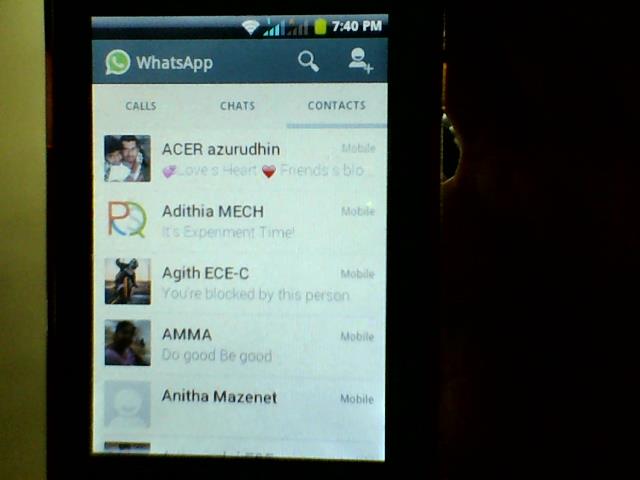
Step 5: Congratulations!!! now you can whatsapp call anyone who has updated to latest version of whatsapp
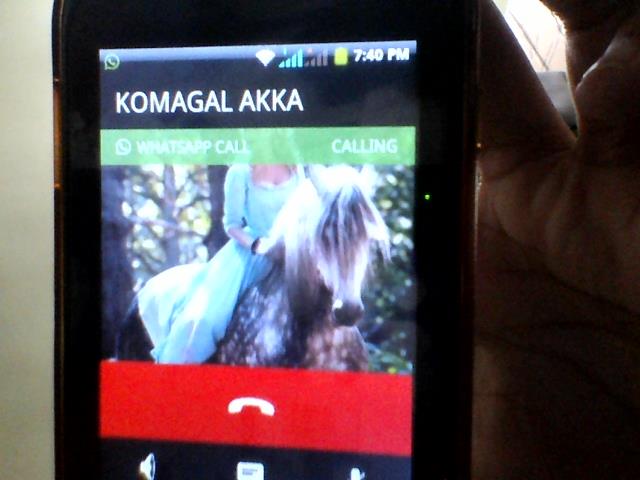
NOTE:
If you don’t have any person having the whatsapp call feature, just send me a whatsapp message saying “I’ll need voice call feature” to my no. +91 9092123010
After having this feature also, there is some problems reported that you can’t hear the voice clearly through whatsapp voice call
Even after following the above steps, some might not get the voice call feature, if that happens wait for some days to get the feature through another whatsapp update
 Why Surf Swim
Leave a comment