
Hello everyone,
This week we are going to some important shortcuts in Google Chrome which can help you in day-to-day life
Press F11 – toggle between full screen mode

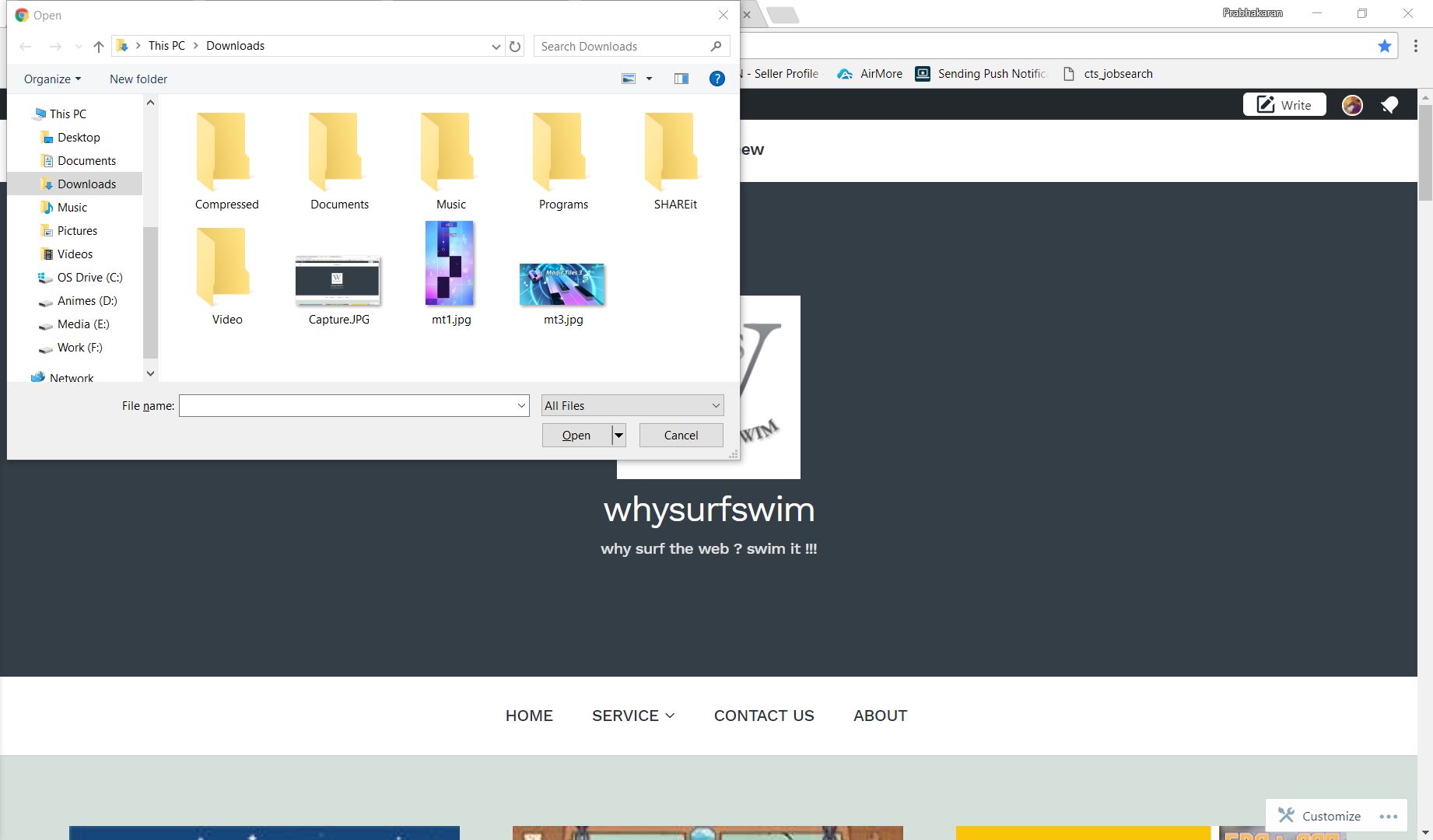
Press Ctrl+O – to open a file upload window
Press Ctrl+Shift+N – to open a new incognito window
Press Ctrl+T – to open a new tab
Press Ctrl+Shift+T – to open a closed tab
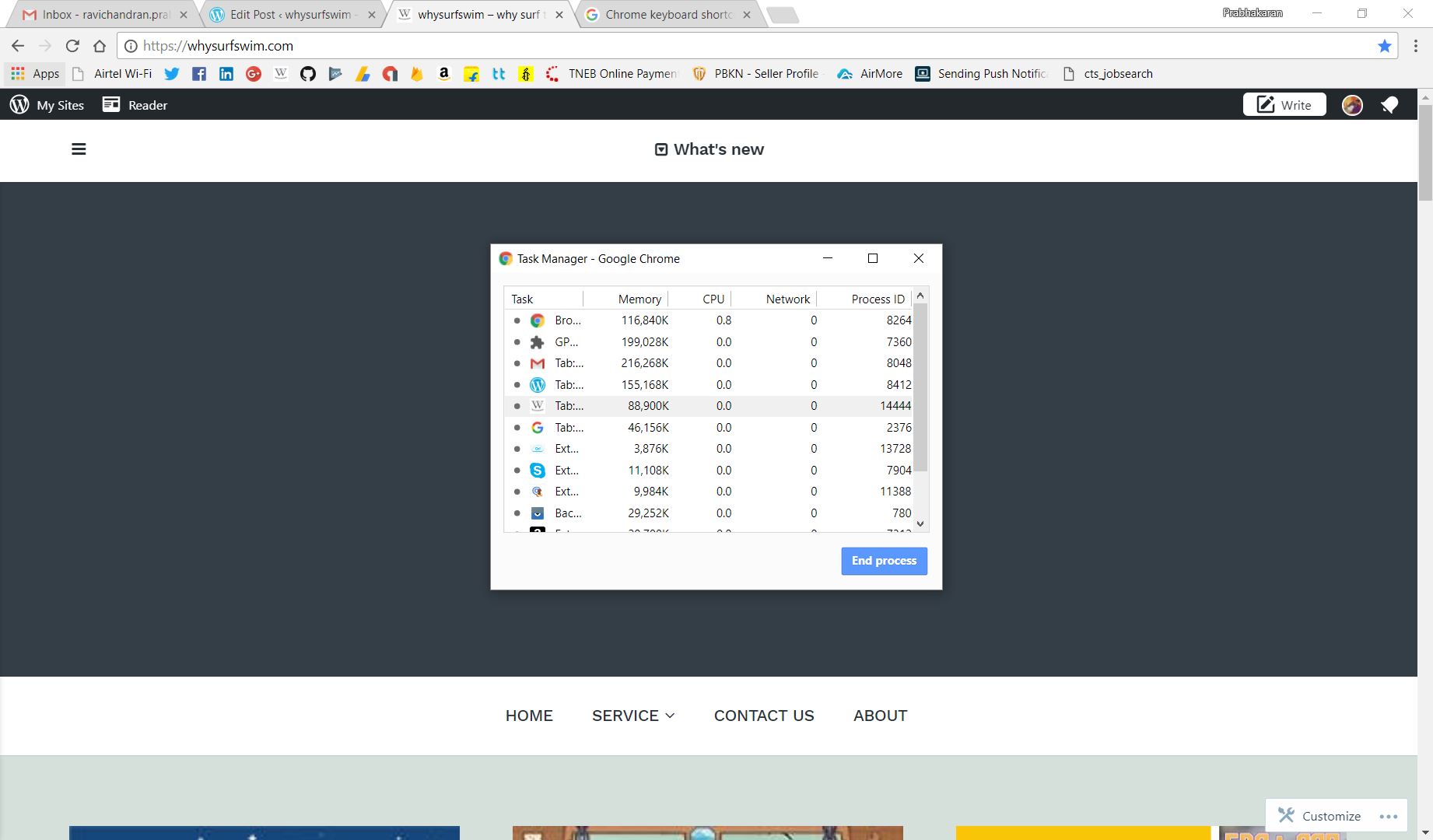
Press Shift+Esc – to open chrome task manager
Press Alt+Shift+I – to open a feedback form to google

Press Ctrl+Shift+R – to reload by erasing cached contents
Press Mouse middle button – to close an existing tab / to open a link in new tab
NOTE:
THESE COMMANDS MAY COME IN HANDY FOR
ANDROID/MAC/WINDOWS DEVELOPMENT
 Why Surf Swim
Leave a comment