
Hello everyone,
This week we will see, how to open a password protected excel sheet…
Step 1 : Rename the extension of the excel file as .zip as shown, you can also rename it through Command Prompt Renaming the extension of any file


Step 2 : Extract the .zip file and navigate to xl -> Worksheets -> sheet 1 ( or name in document)


Step 3 : Open it with notepad and delete the <sheetProtection> tag completely as shown below


Step 4 : Save it and copy the sheet.xml and paste it in the original .zip excel document in the same path as shown
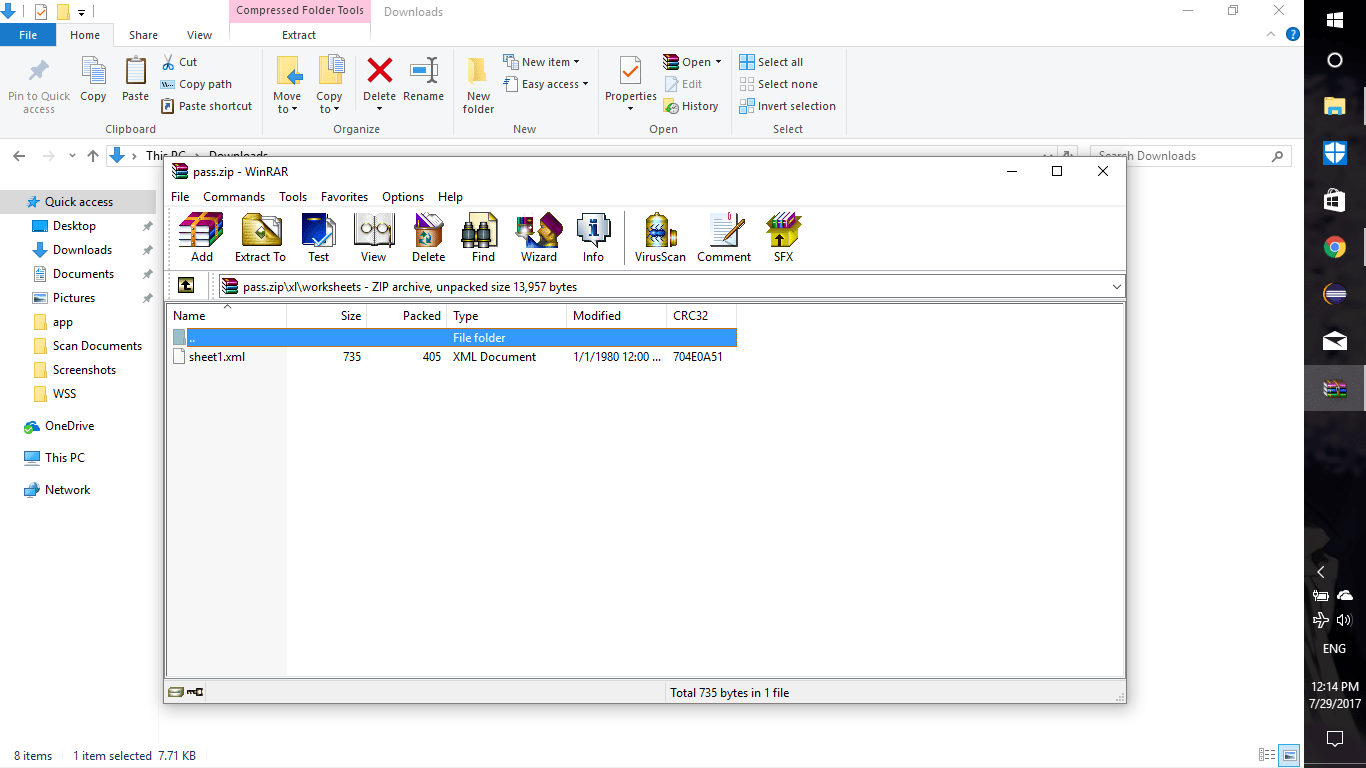
Step 5 : Rename the extension of original .zip to .xlsx and open the file


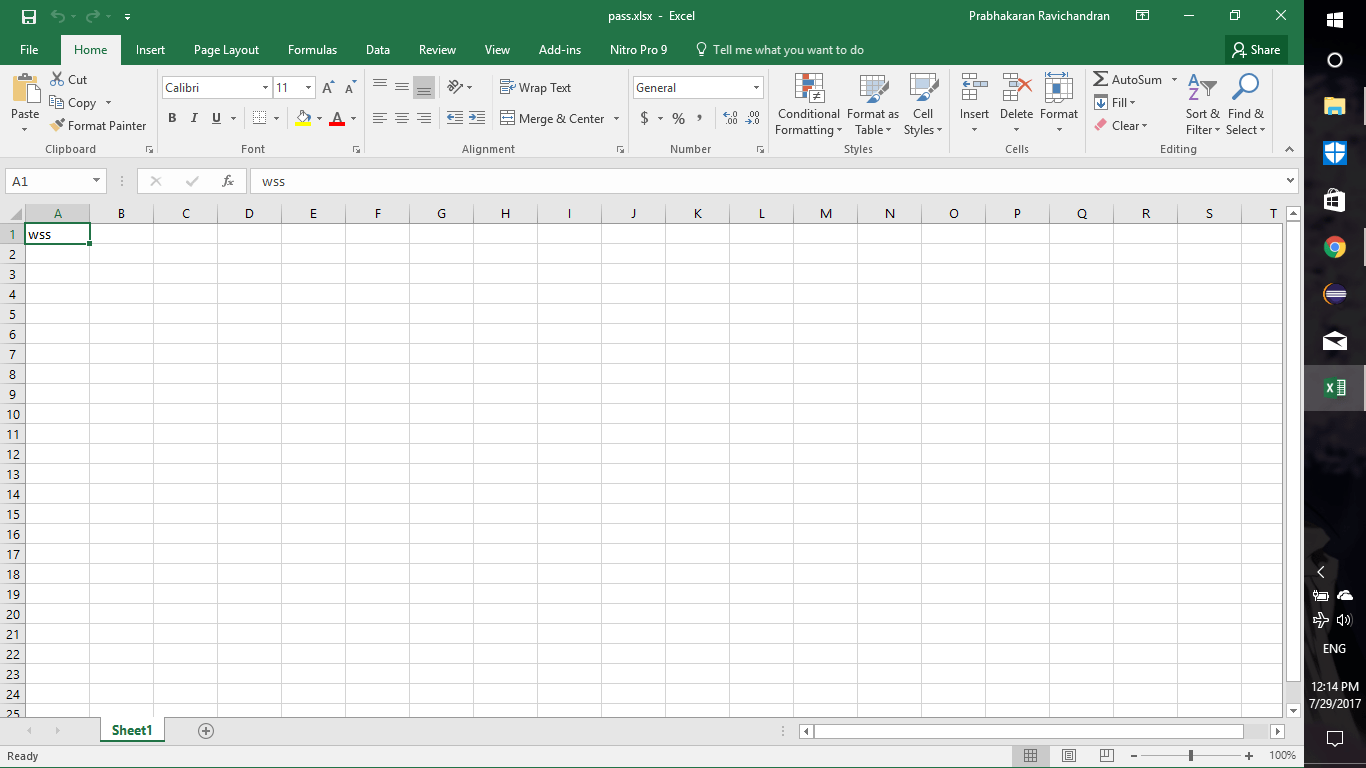
Step 6 : Ta-Da !!!
NOTE :
THIS TRICK IS ONLY APPLICABLE TO PASSWORD PROTECTED SHEETS
IT IS NOT APPLICABLE TO PASSWORD PROTECTED .xlsx DOCUMENTS
 Why Surf Swim
Leave a comment