
Hello everyone,
This week we are gonna solve the common issue occurring in windows 10 i.e..,
BLUETOOTH/Wi-Fi connectivity issues
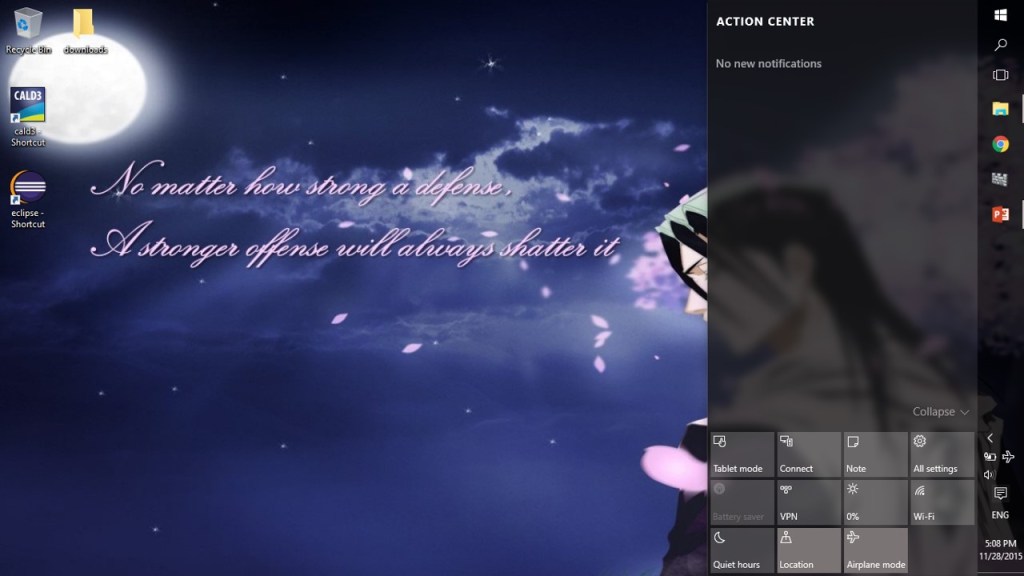

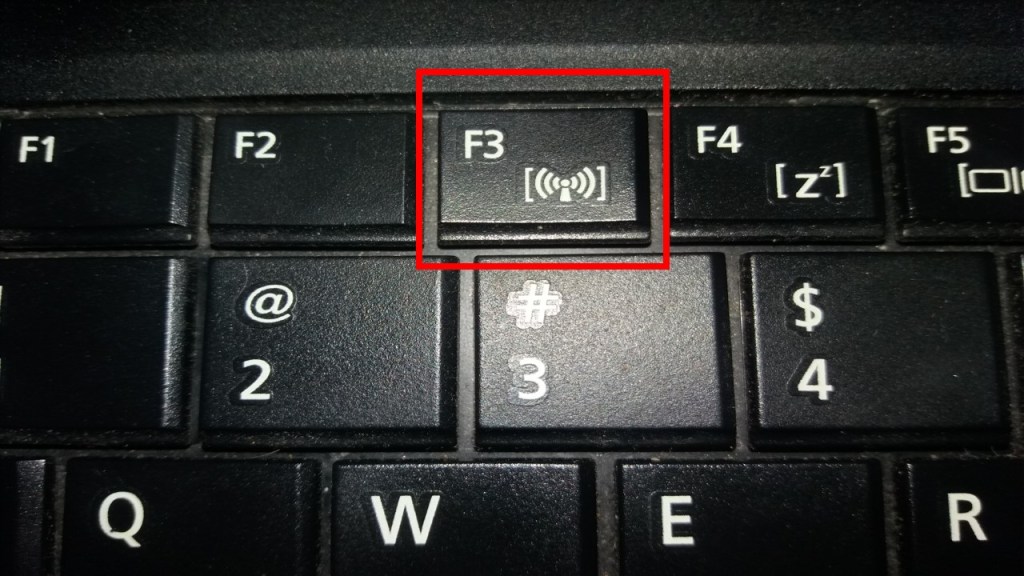
Method 1 of 3: Press your laptop’s/computer’s “connectivity” function key… in most cases, this will solve the issue nice & sweet
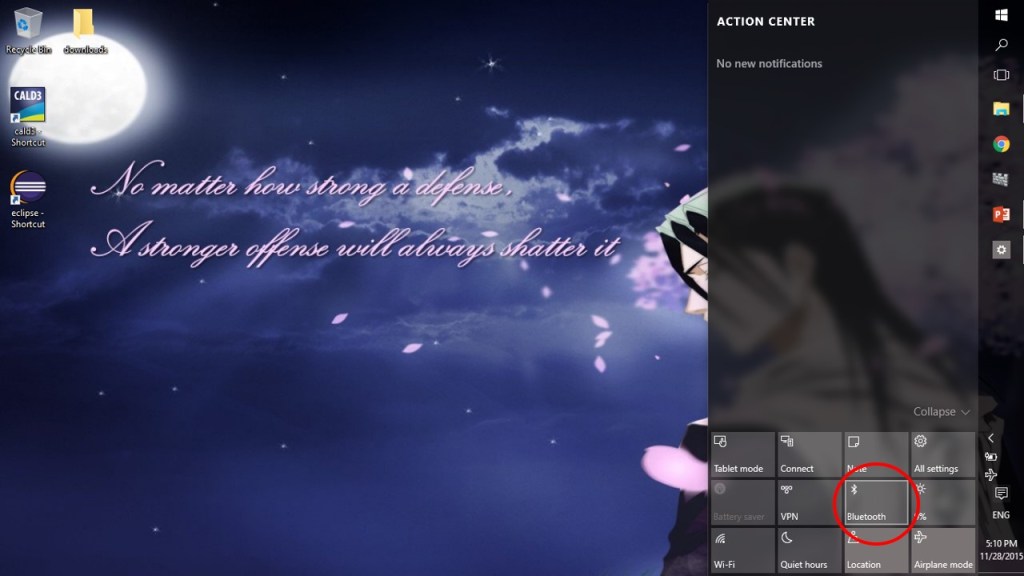
Method 2 of 3: Re-install your WINDOWS 8/8.1 Bluetooth/Wi-Fi driver to solve the issue…
Method 3 of 3: RESTORE your system to a earlier date…
the below link will be useful to do so
https://whysurfswim.wordpress.com/2015/11/14/system-restore-in-windows-10/
NOTE:
DON’T STUCK UP IN METHOD 2 OR 3
WITHOUT TRYING METHOD 1

 Why Surf Swim
Leave a comment