
Hi there everyone,
First of all “THANK YOU” everyone, for making this site success and keeping me post the 100th POST
This week I came across a error, displaying JAVA UPDATE failed.

Then, I came to know that GOOGLE CHROME does not support the latest java 8 update 60 version as a plugin. So, to resolve this problem… we need an extension called “TAMPER MONKEY” and the step by step process is given below
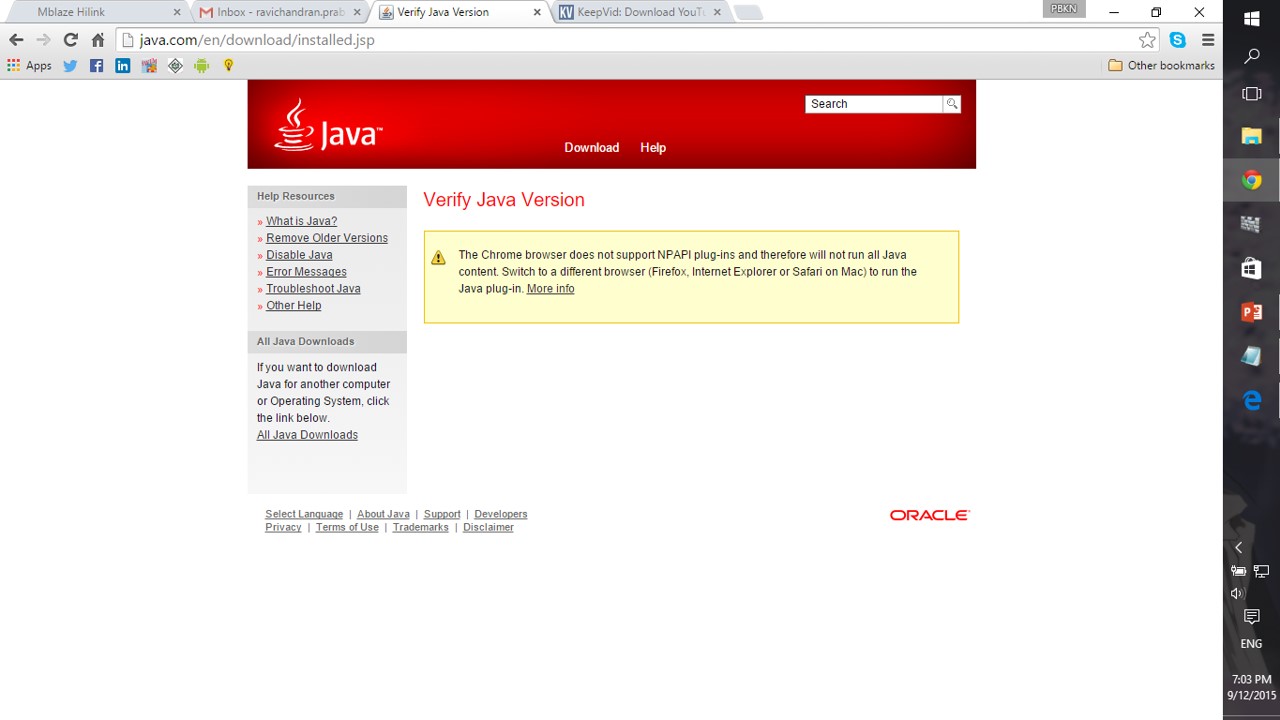
Step 1 : Click the below link to add TAMPERMONKEY to your google chrome from chrome webstore
https://chrome.google.com/webstore/detail/tampermonkey/dhdgffkkebhmkfjojejmpbldmpobfkfo

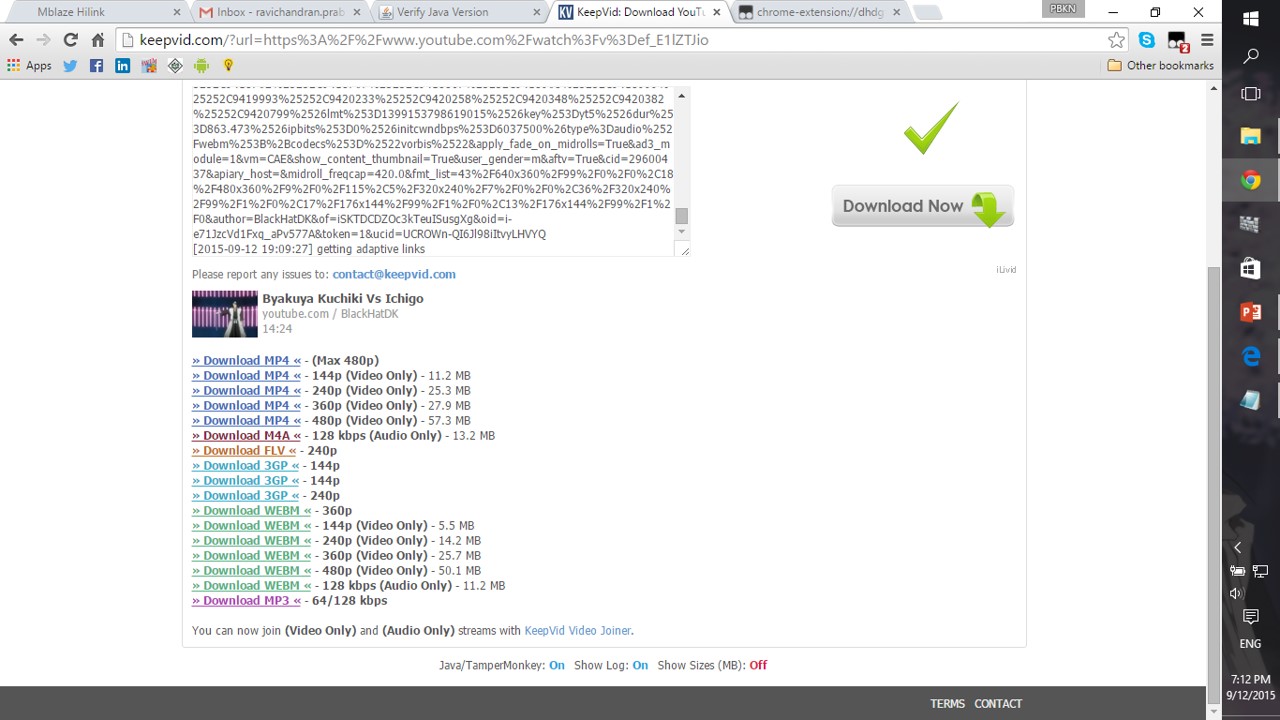
Step 2: After adding TAMPERMONKEY, then load videos in websites like Keepvid,tubeoffline,etc..,
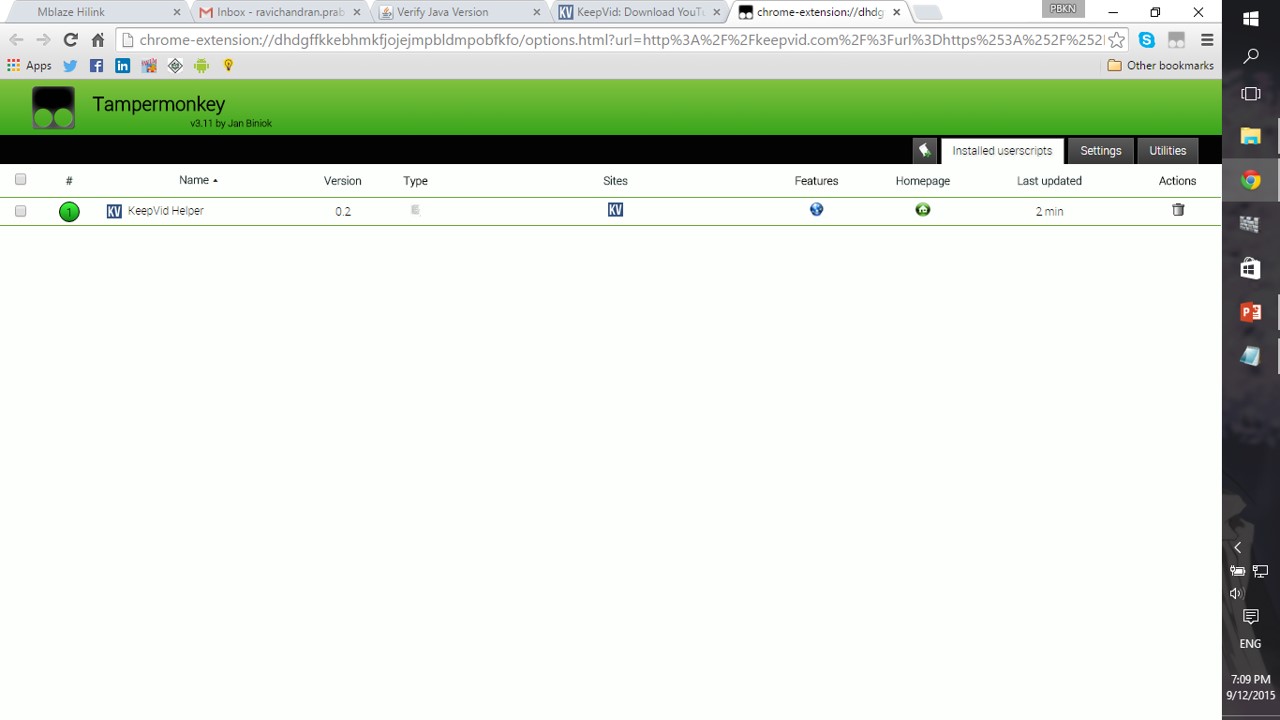
Step 3: You can click on the DASHBOARD icon to see all the websites using SCRIPTS
Step 4: After completing your work, DISABLE the extension to avoid loading unwanted scripts
NOTE:
THIS PROCESS CAN ALSO BE DONE IN YOUR SMARTPHONE THROUGH GOOGLE CHROM APP
 Why Surf Swim
Leave a comment