
Hello guys,
This week, we are gonna see some important RUN commands for your windows OS,
I’m pretty sure all are aware of using RUN, but still… I’ll tell it once again
click WINDOWS KEY+R to open the run window,anything in the c:\program files & c:\program files(x86) can be run using RUN window…. But actually we’ll need only few commands for an average USER
-
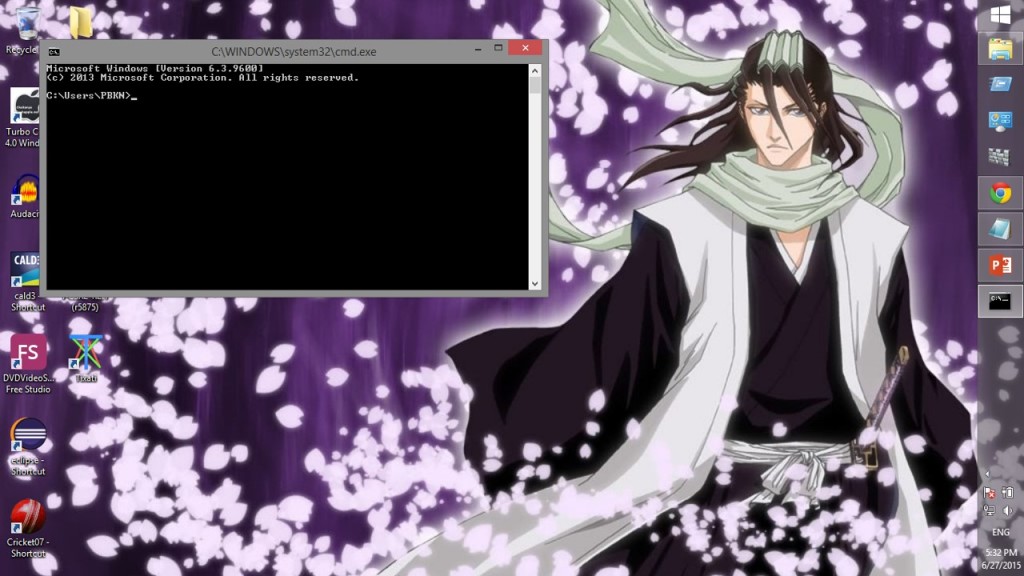
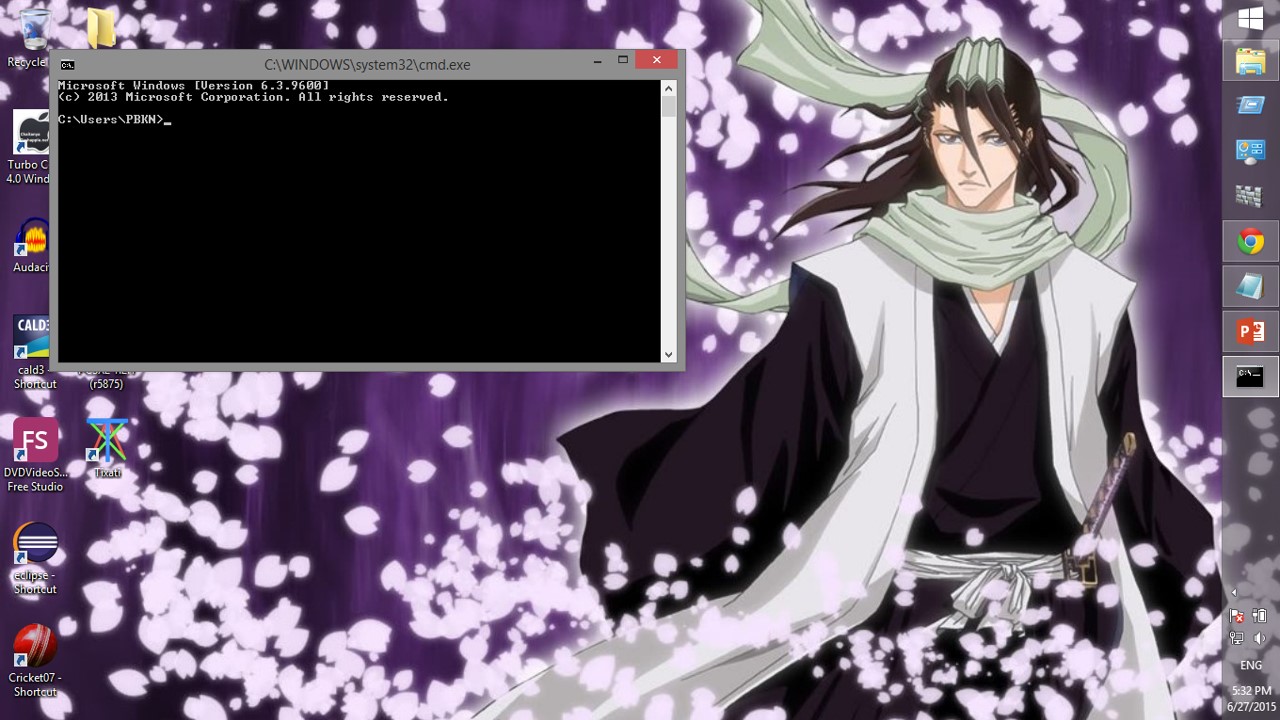
Type “cmd” and enter, you’ll get the command prompt whose usefulness varies for different persons
-
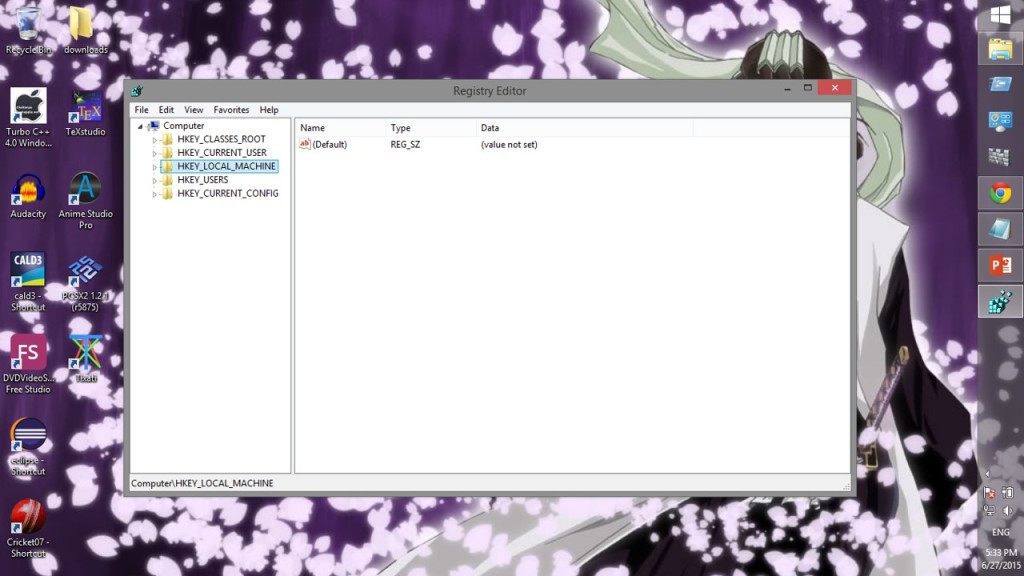
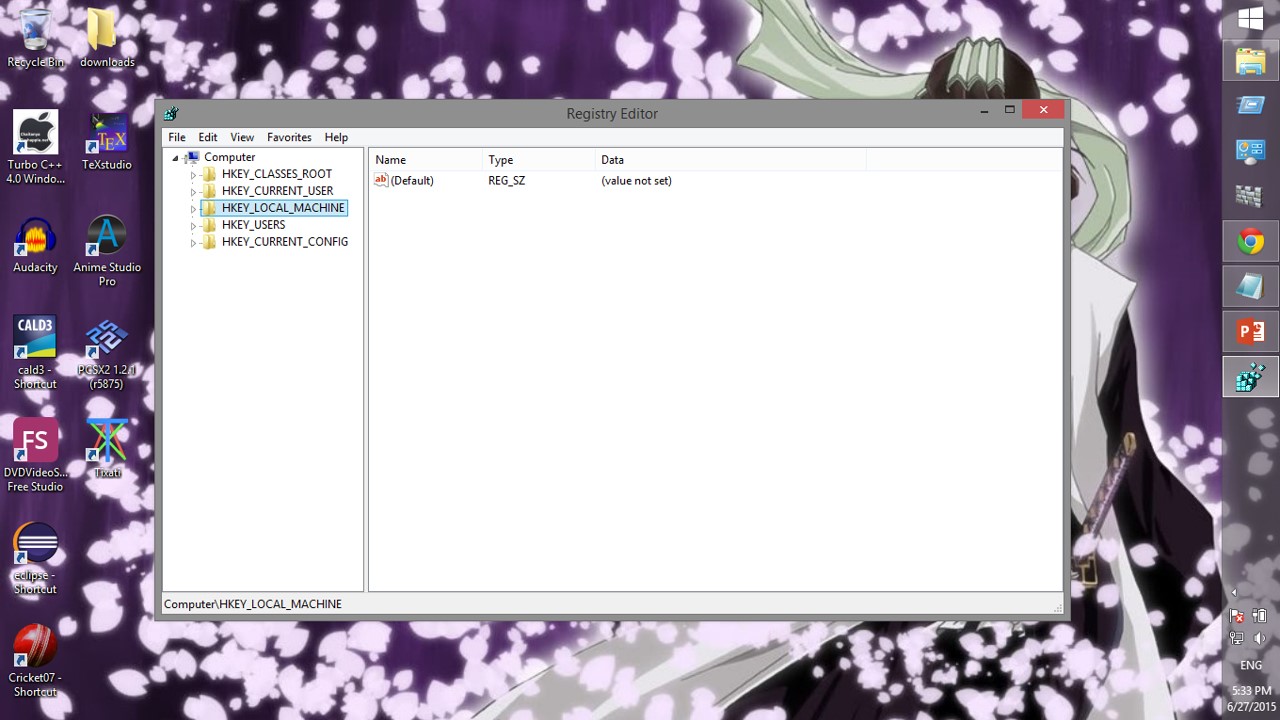
Type “regedit” and enter, you’ll see the registry editor window which’ll guide you to change the hexa-decimal/binary values of registries
-
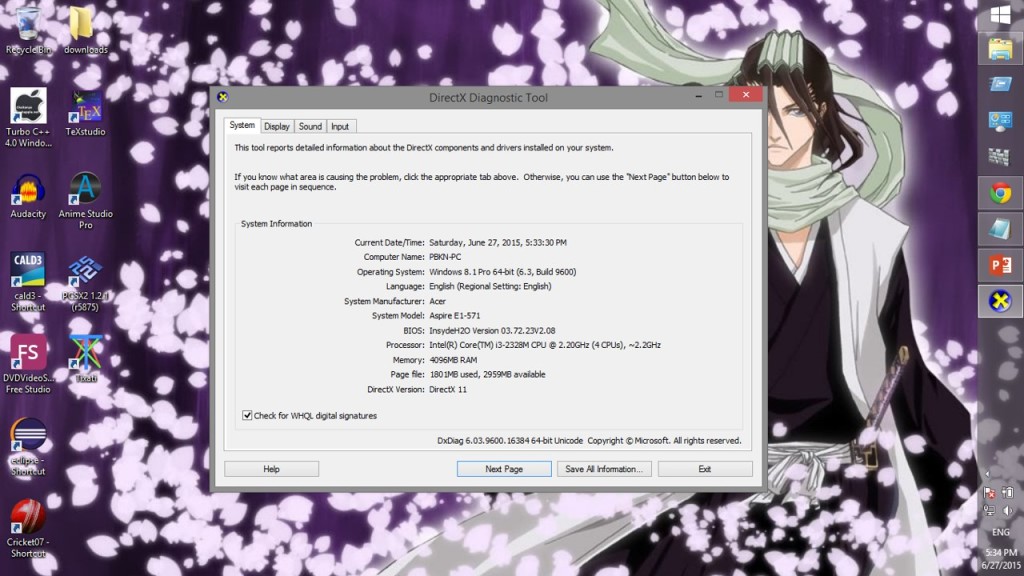
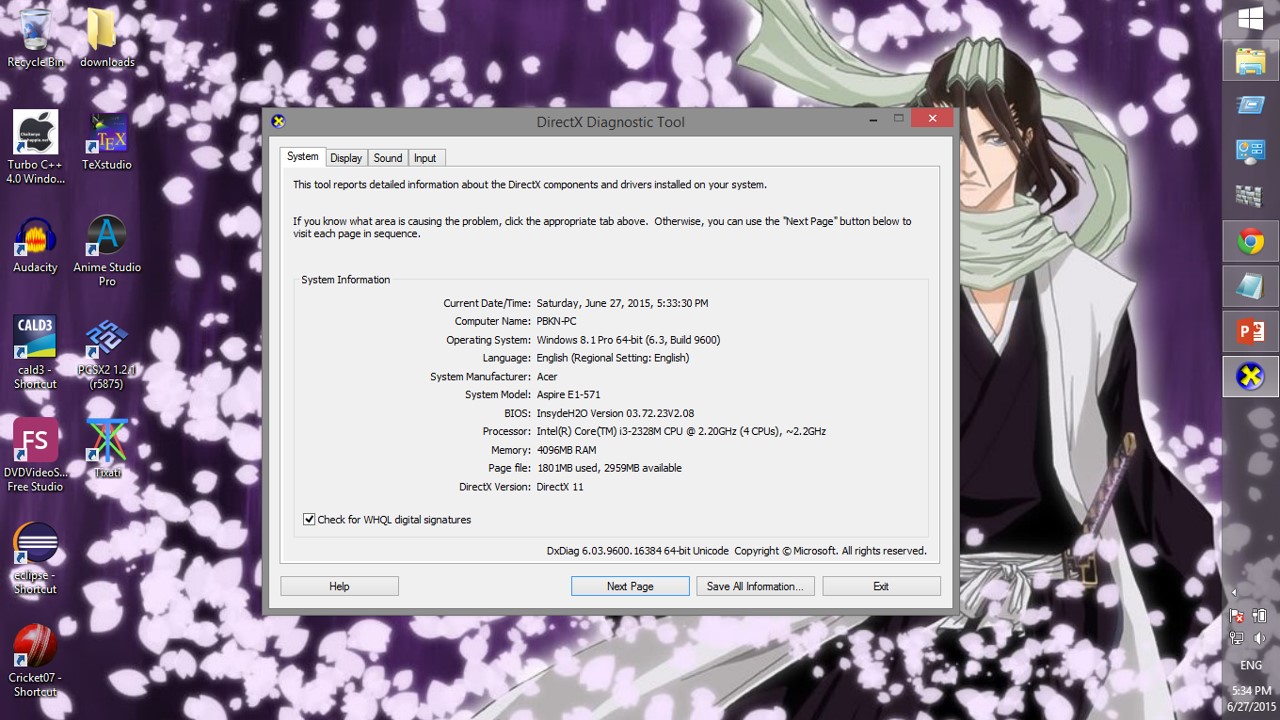
Type “dxdiag” and enter, you’ll see directx diagnostic window which is used to see the directx version and graphic card details of the computer
-
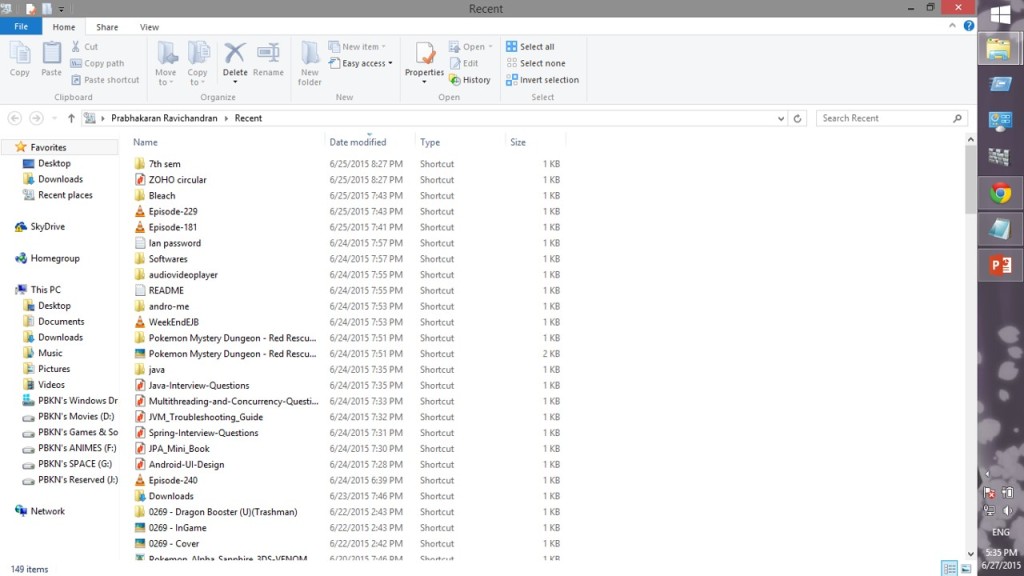
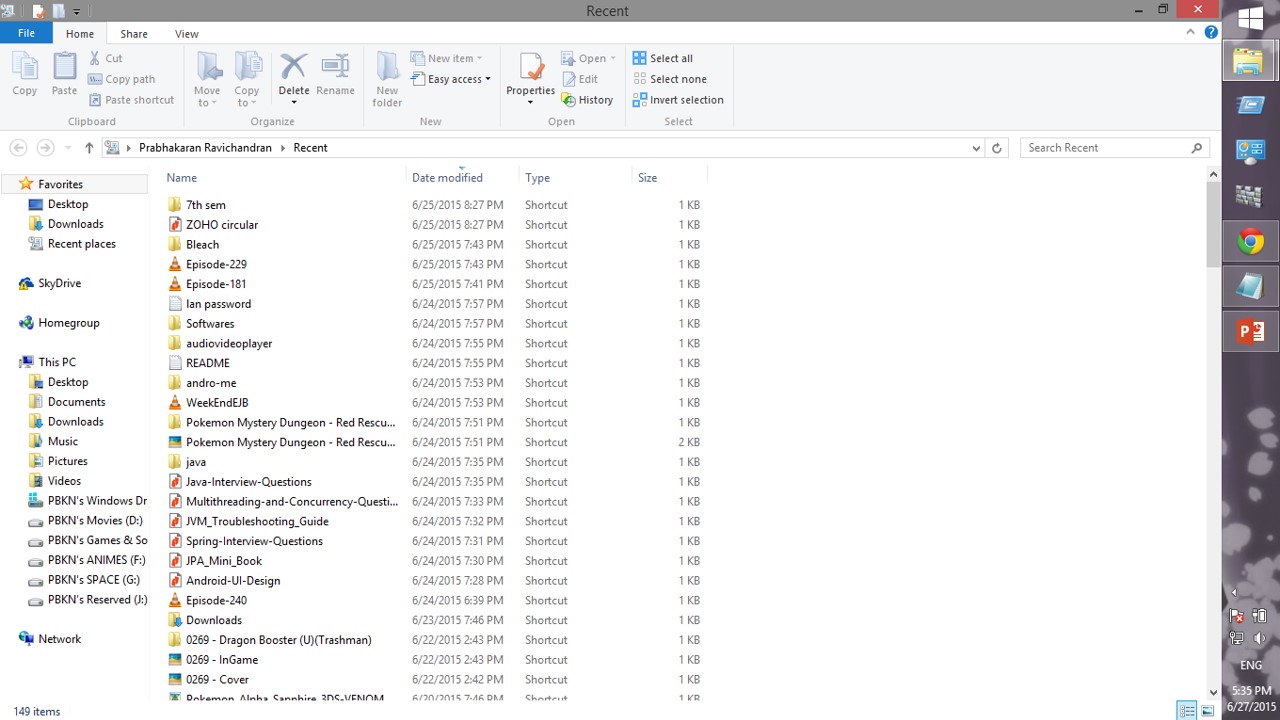
Type “recent places” and enter, you’ll see a normal file explorer window listing history of the folder(s)/files(s) you accessed
-
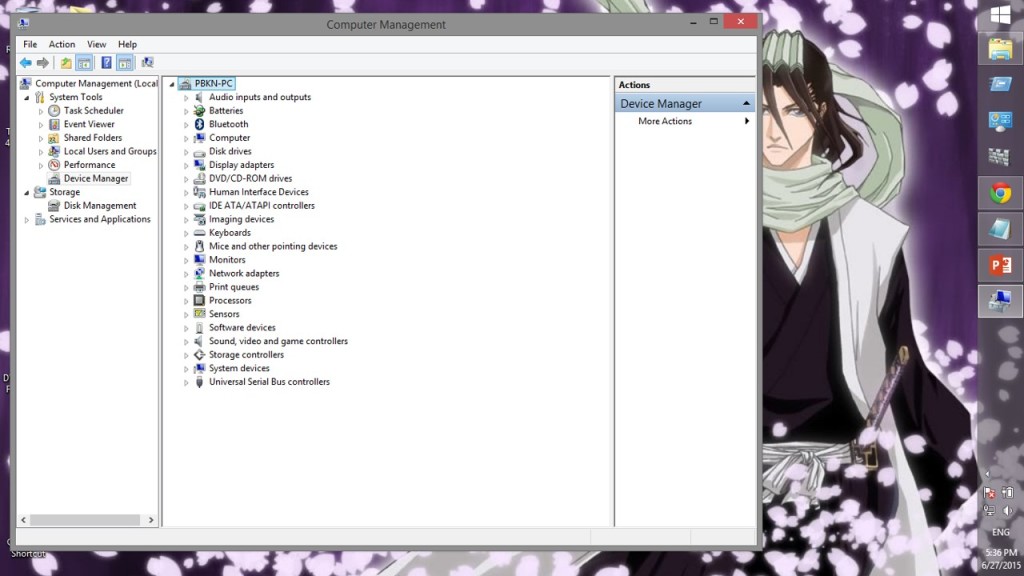
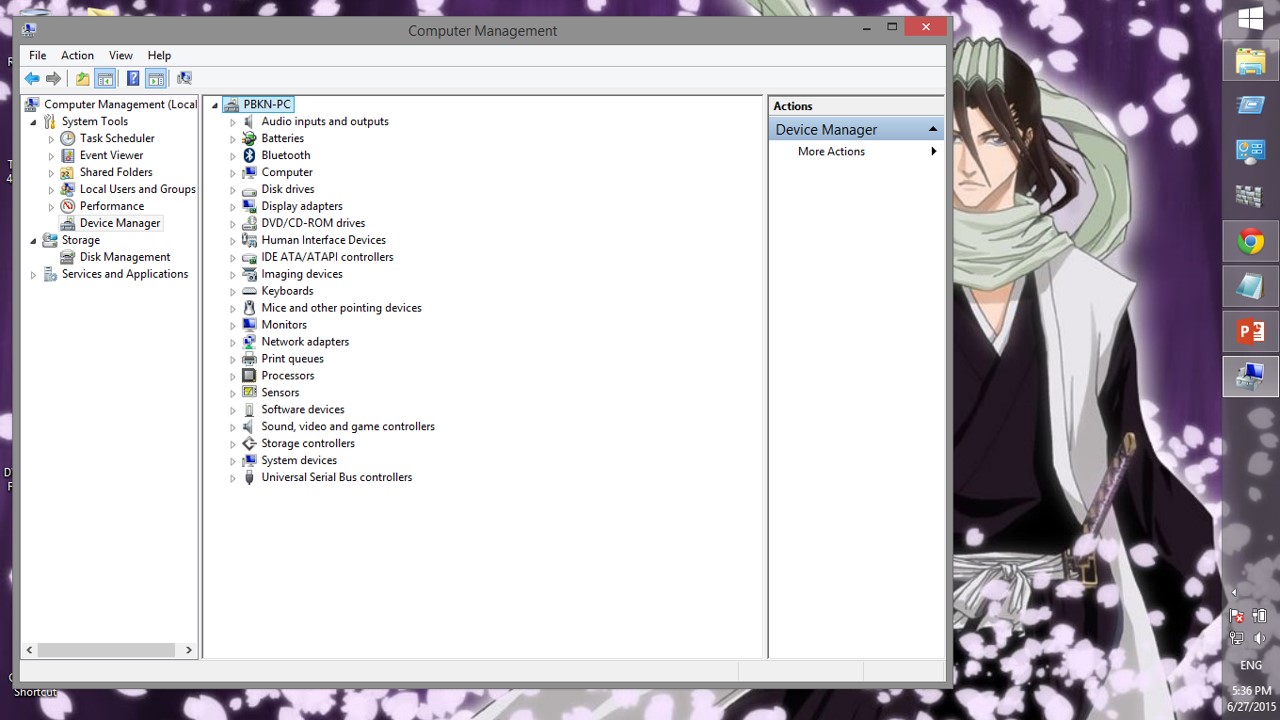
Type “compmgmt.msc” and enter, you’ll see the computer management window which is of multiple use but mostly used to access device manager
-
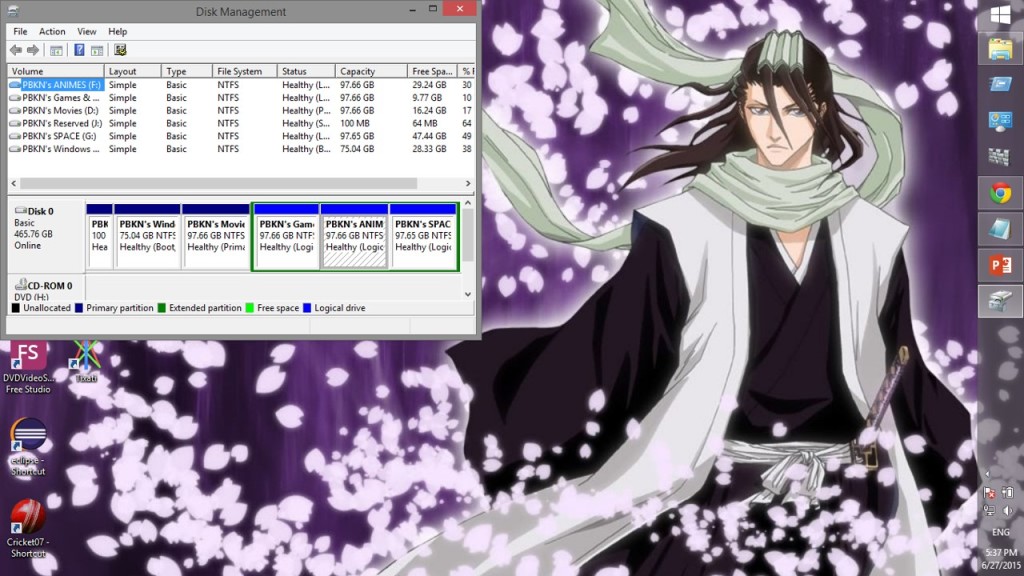
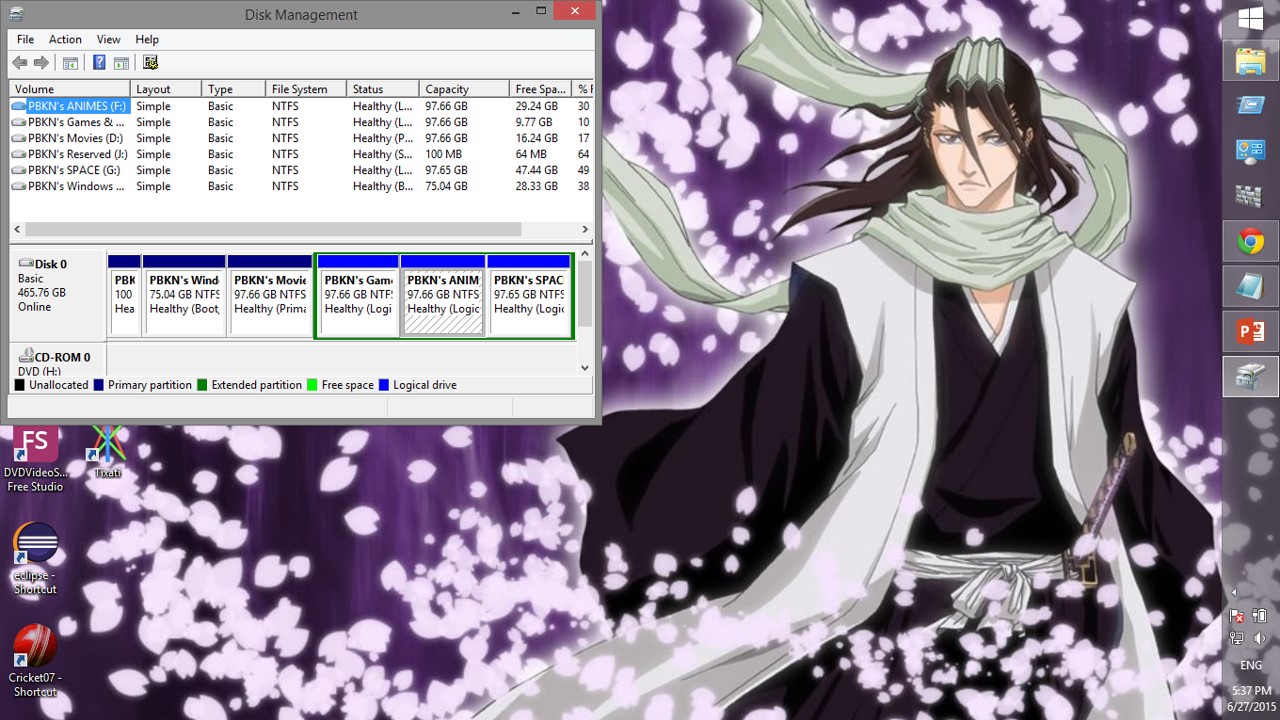
Type “diskmgmt.msc” and enter, you’ll see the disk management window which is used to manage the disk partitions of the hard disks in the computer
NOTE:
RUN COMMANDS WILL BECOME HANDY SOMETIMES
 Why Surf Swim
Leave a comment