
This week,
we’ll see the step-by-step guide,
how to run applications on startup in win 8,8.1 OS
Step 1: Press “WIN+R” key and type “%appdata%”

Step 2: Go to the location specified as shown in the picture below

Step 3: Now, copy the shortcut of the application you wanted on the startup and paste it in the folder
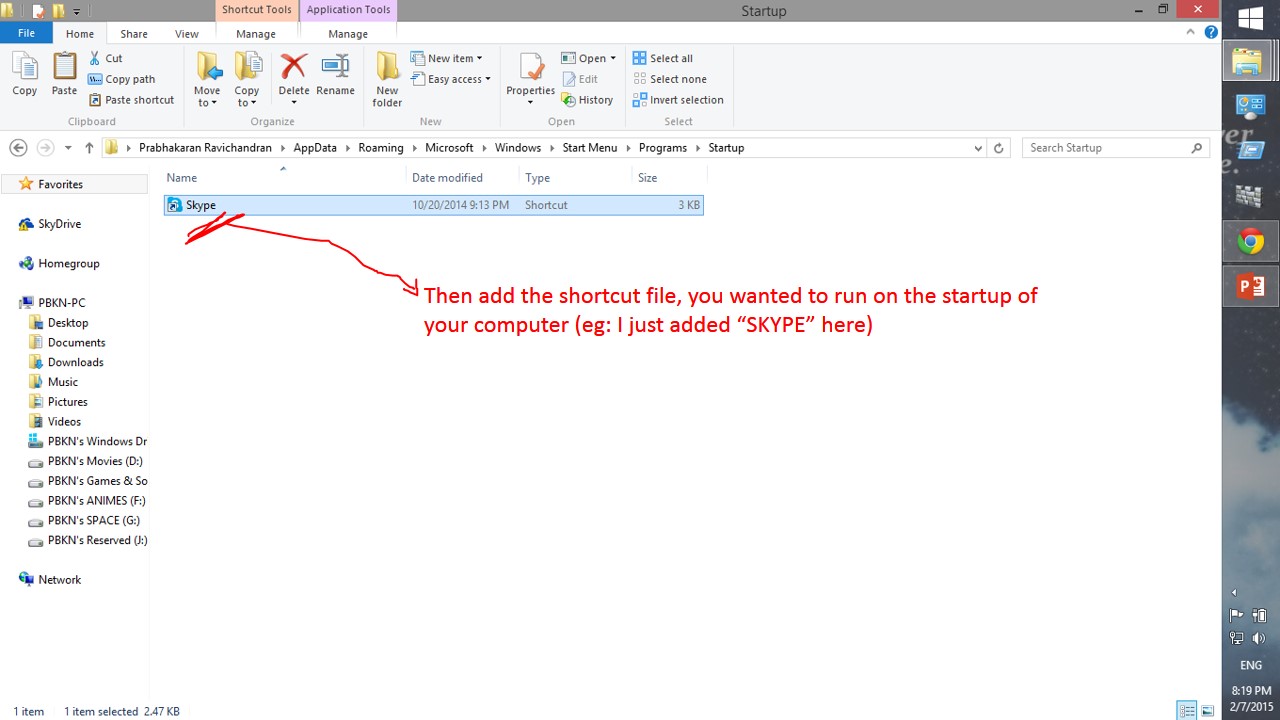
It’s all done now, RESTART your computer to know the effect
NOTE:
In WIN 7 or lower versions,
the method is different and simple
 Why Surf Swim
Leave a comment